Quick answer
Instagram's Save button (the bookmark icon) only adds the post to your Saved list inside the app; it never creates a file. To get the video into Photos or Gallery, copy the Reel's link, paste it above and download the MP4.
What Instagram's Save button actually does
The bookmark icon under a post keeps it in your Saved collection inside Instagram. Nothing is written to your phone's storage, so the video never appears in Photos or Gallery, and it disappears from your Saved list if the creator deletes it or makes the account private.
Instagram itself only lets you download your own Reels (and some others if the creator allows it) through the three dots → Download. For everything else you need the link and a downloader.
How to save the video to your gallery
- Open the Reel or post, tap the paper plane (Share) or the three dots, then Copy link.
- Open Kliparo in Chrome or Safari, paste the link at the top and tap Download.
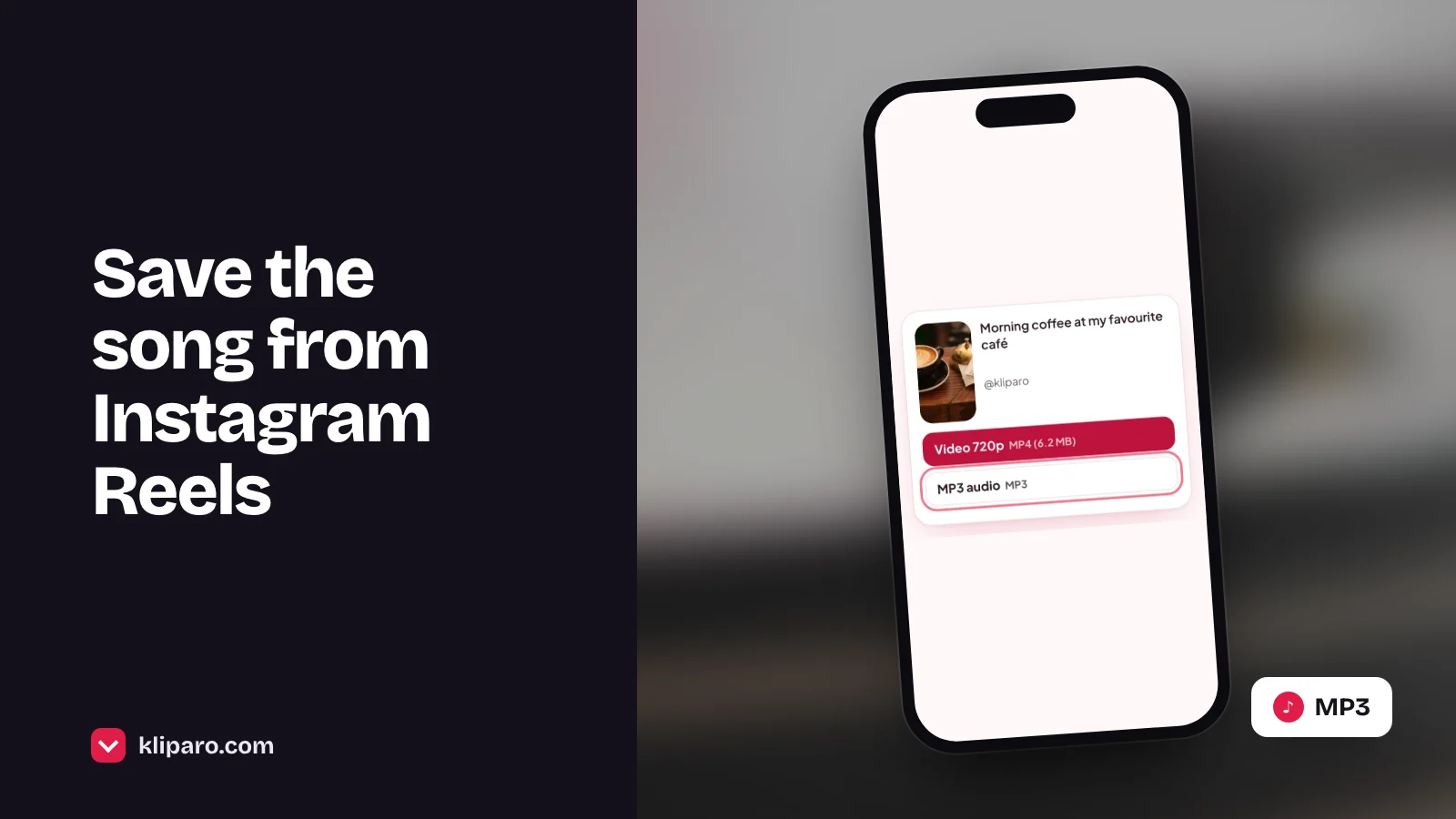
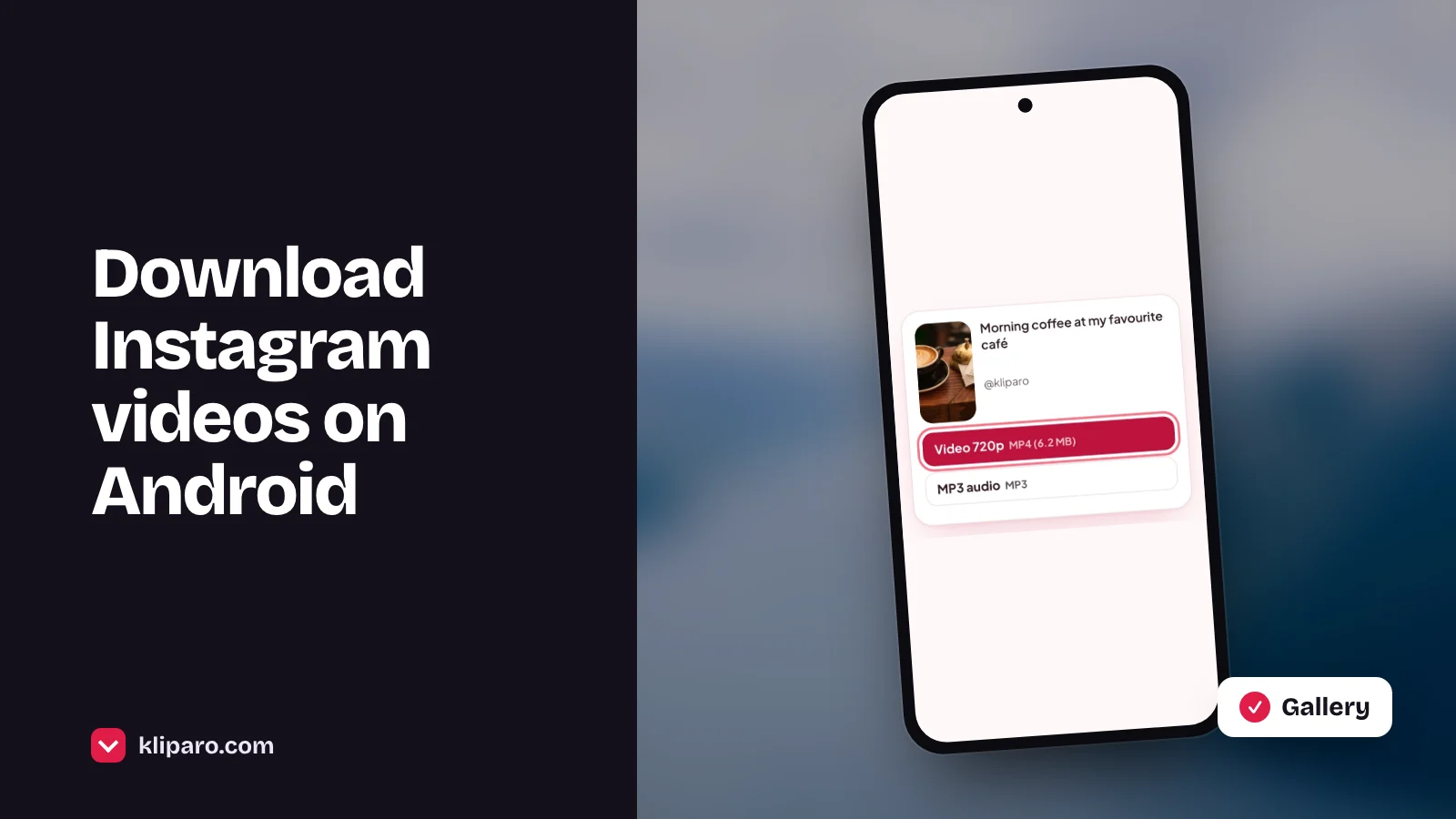
- Choose the Video option. On Android the MP4 goes to the Download folder and shows up in Gallery or Google Photos.
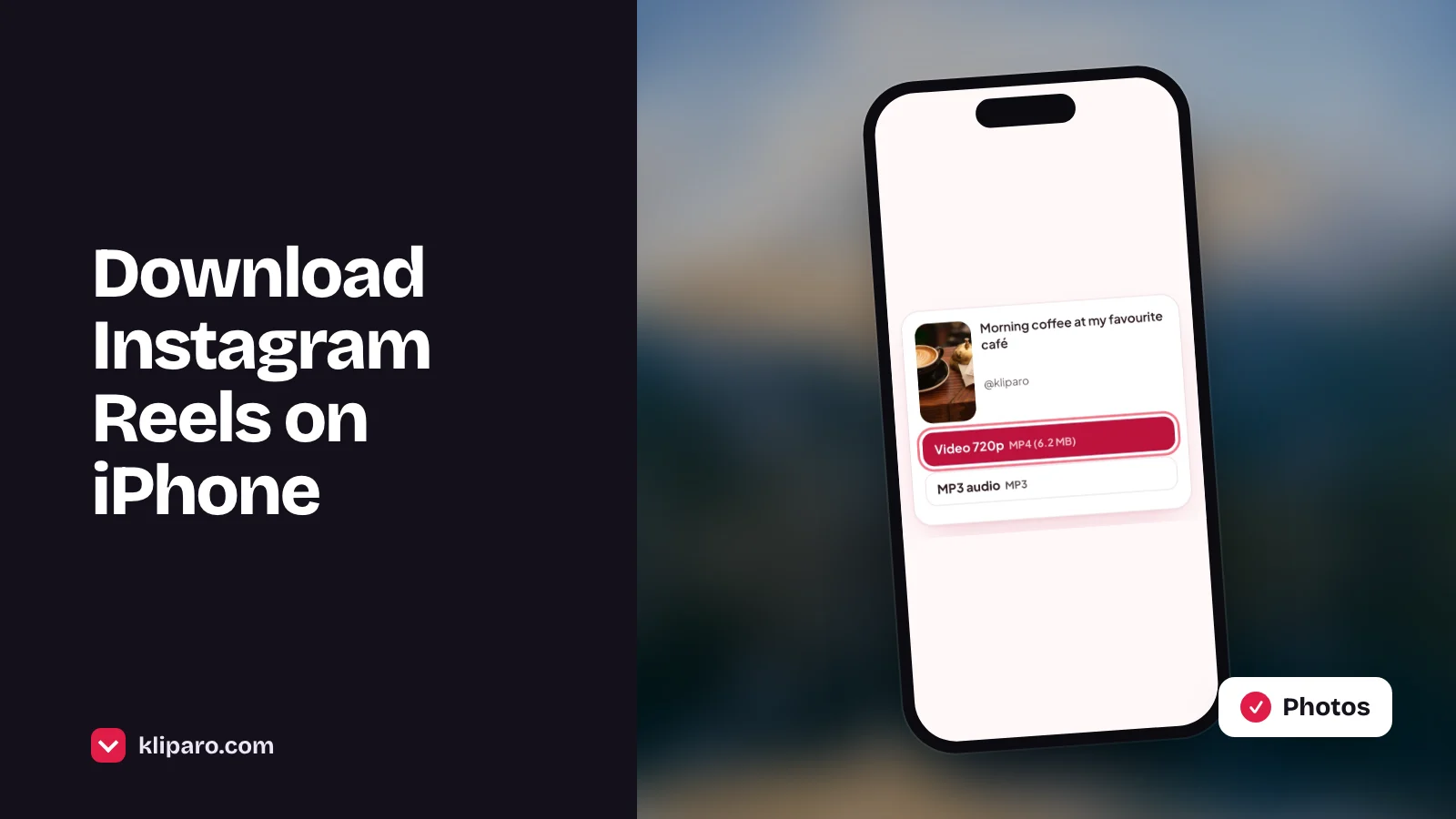
- On iPhone the video goes to the Files app first. Open it there and tap Share → Save Video to add it to Photos.
Still not in your gallery? Check these
| What happens | Why | What to do |
|---|---|---|
| Nothing downloads | You opened Kliparo inside the Instagram app | Open it in Chrome or Safari and try again |
| The video plays in a new tab | The browser plays the file instead of saving it | Use the download icon (Android) or Share → Save to Files (iPhone) |
| The file is in Downloads but not in Gallery | The Gallery app only shows the Camera folder | Open Google Photos or Files → Downloads |
| iPhone: it's only in Files | Safari always saves to the Files app | Open it and tap Share → Save Video |
Videos you can't save
- Posts from private accounts: if you can't see them without logging in, they can't be downloaded.
- Photos and Stories: Kliparo only saves videos from public posts and Reels.
- Deleted or archived posts: the link stops working once the post is gone.
Only save your own videos or ones you have permission to use, and ask the creator before reposting.
Frequently asked questions
Does Instagram notify someone when I save their Reel?
No. Neither the Save button nor downloading a public Reel with its link sends a notification.
Why can I download some Reels in the Instagram app but not others?
Instagram only shows Download for your own Reels and for Reels whose creator allows it. Kliparo works with any public Reel's link.
Where are the videos I saved with the bookmark?
In your profile → menu → Saved. They stay inside Instagram and are not files on your phone.
Is the downloaded video lower quality?
No. Kliparo gives you the same video file Instagram plays, usually in 720p.
Do I need to log in?
No. Kliparo never asks for your Instagram password.